Accessibility · Case Study
One switch, infinite possibilities
A switch-accessible tablet app with a library of games for pre-K and kindergarten children with motor and cognitive disabilities. Built to run on the iPad and switch a classroom already owns.
- Role
- UX research and design lead
- Team
- Student team
- Timeline
- 40 weeks · Sept 2024 – June 2025
- Tools
- Figma · FigJam · React Native (Expo)
The problem
Play, minus the on-ramp
Users: pre-K to kindergarten children with motor and cognitive disabilities.
They play with a single switch: one button standing in for every tap, drag, and swipe a tablet expects.
Research
Grounded in real classrooms
Interviews
Educators and therapists on classroom routines, learning goals, and where play falls apart.
“It would be incredible to have a variety of games, because no two kids learn the same way.”— Pre-K educatorField observations
Watched children use tablets during playtime.
Children disengage immediately when a tool is cluttered or hard to press.Literature review
Studies on play, disability, and development.
Children with disabilities get 9% fewer play opportunities.Market analysis
Compared Papunet, OneSwitch, and Sensory App House on age range, price, and organization.
The existing apps are too expensive, too limited, or not iPad compatible.
The approach
What we built
The four methods pointed the same way: switch games exist, but they’re scattered, costly, and each one teaches a single narrow skill.
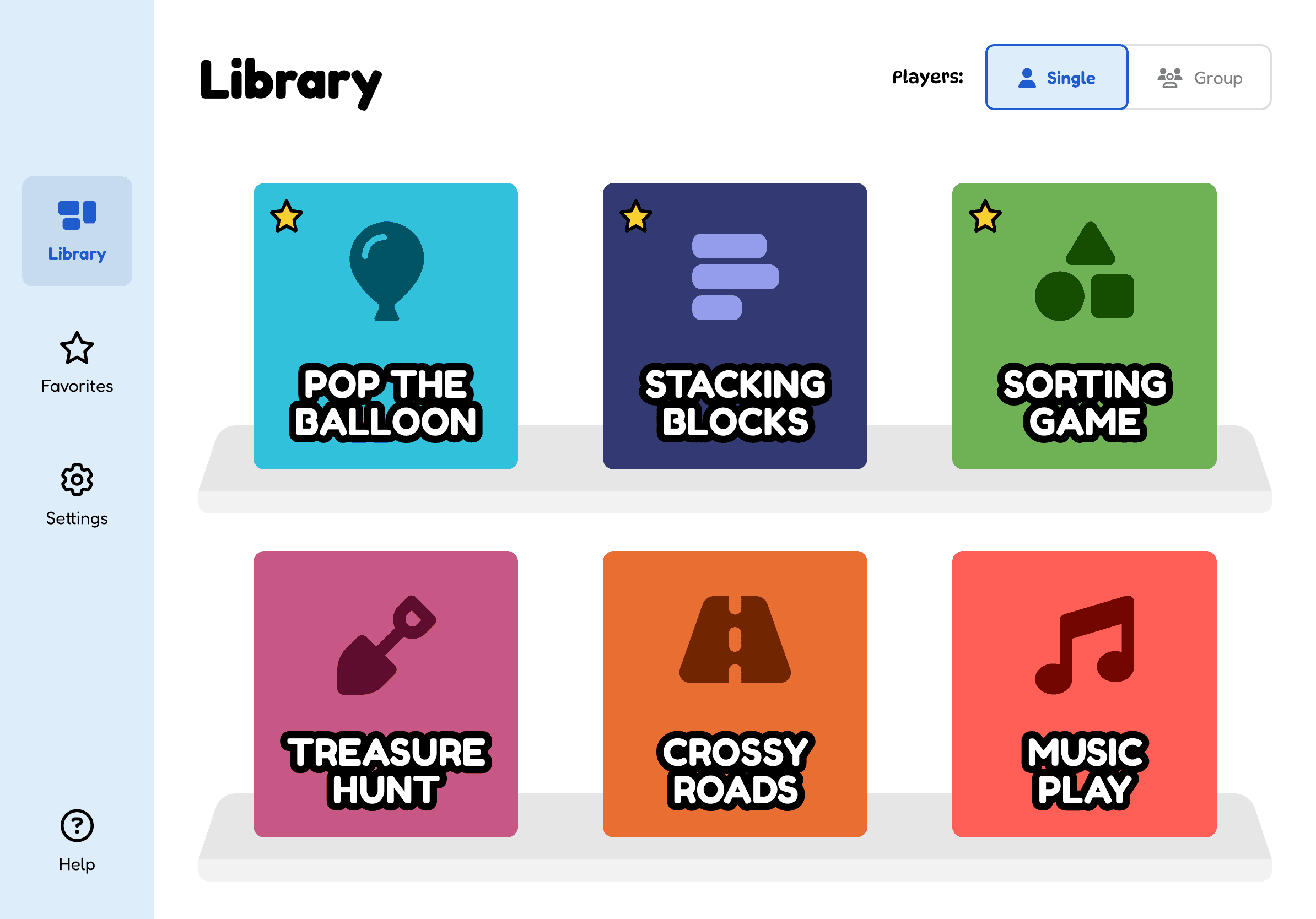
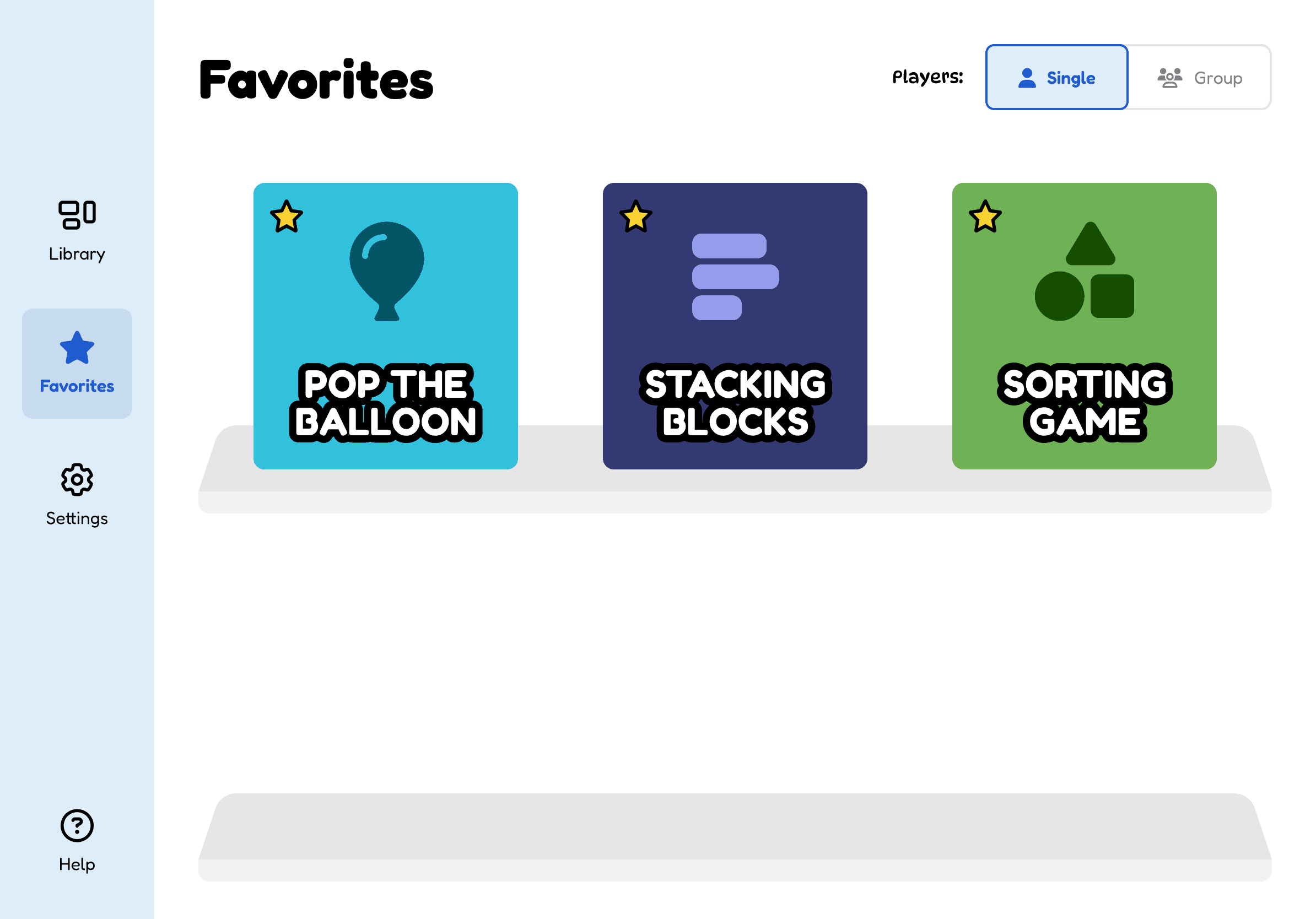
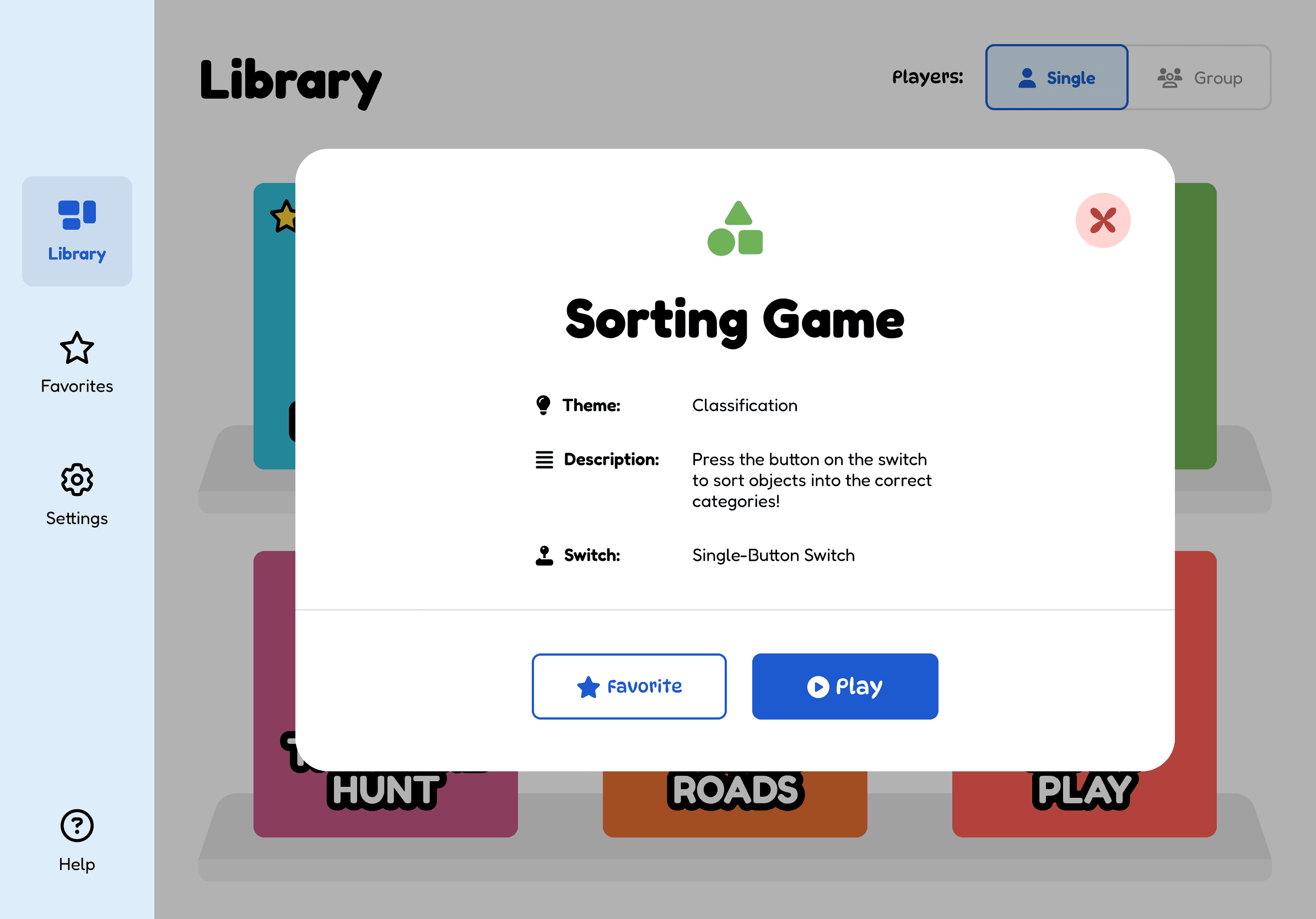
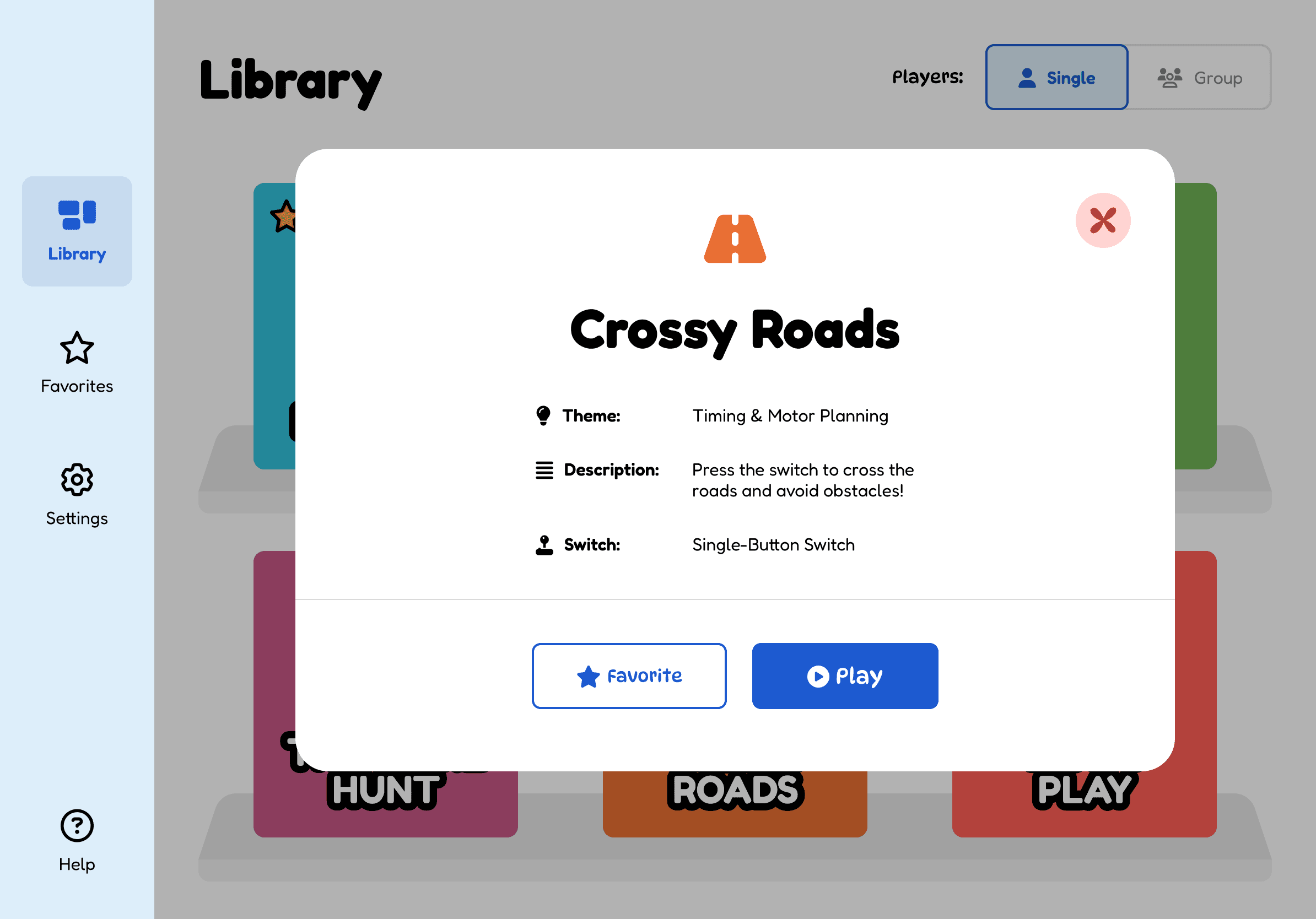
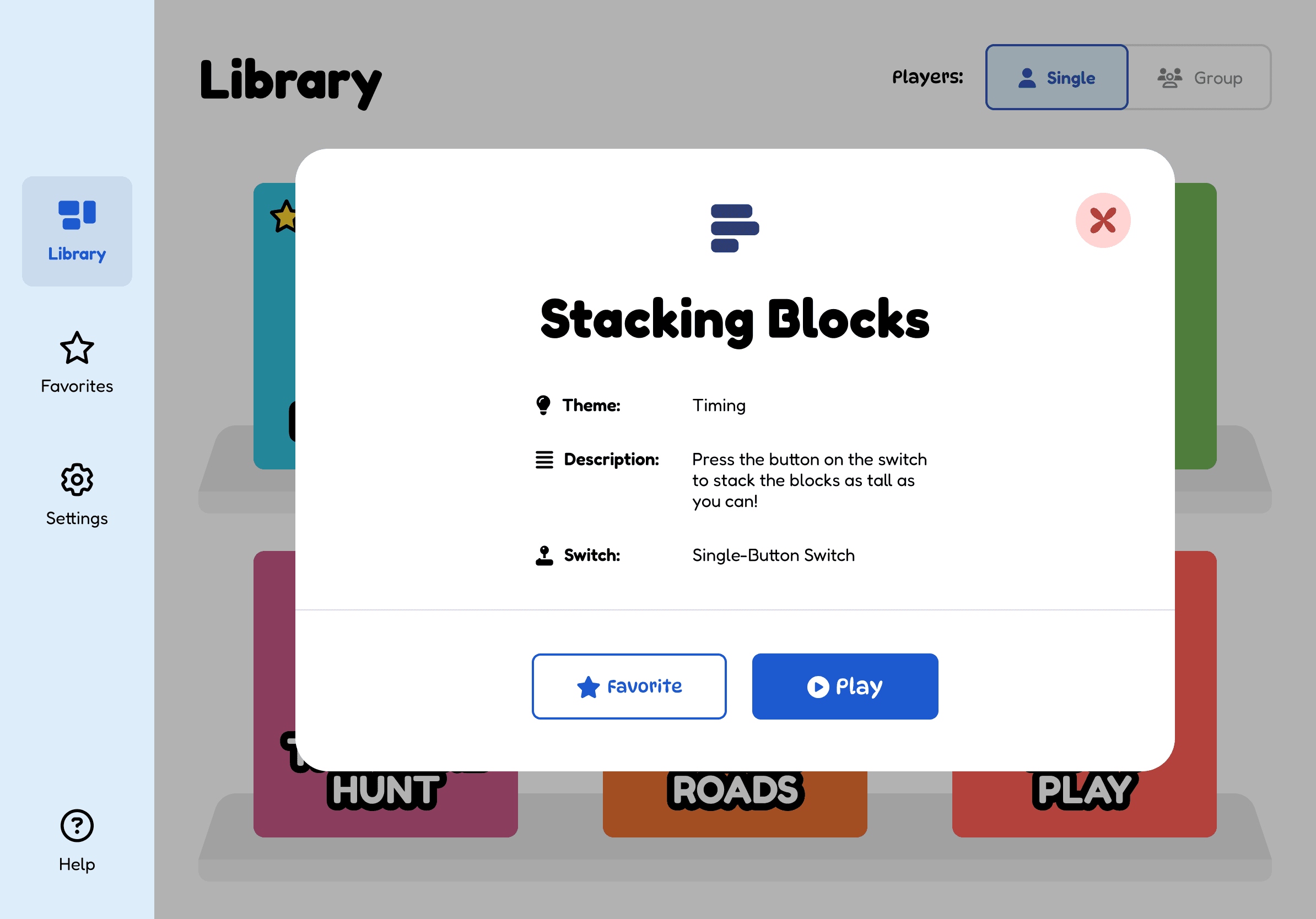
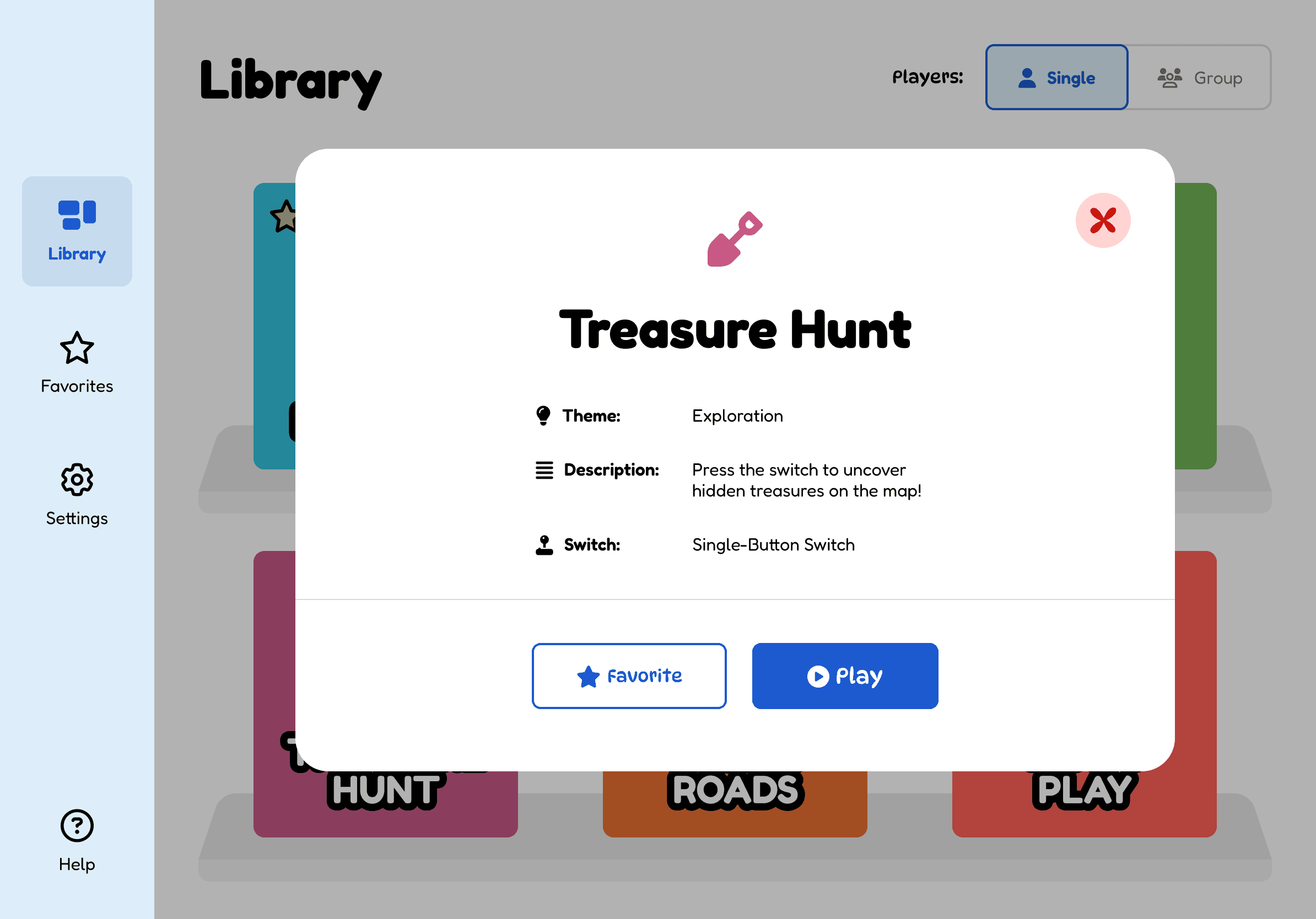
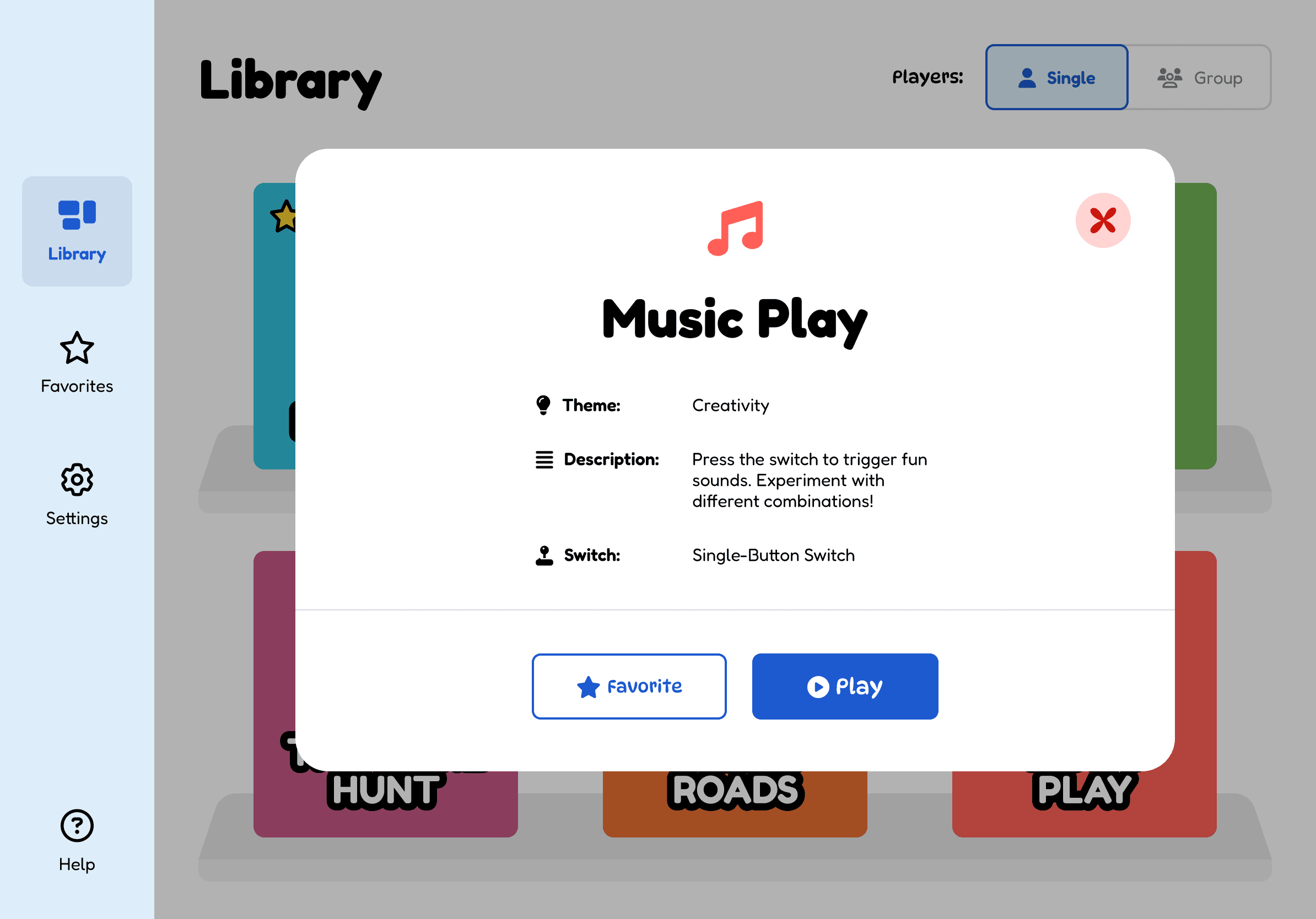
A library, not a game.
Library
Favorites
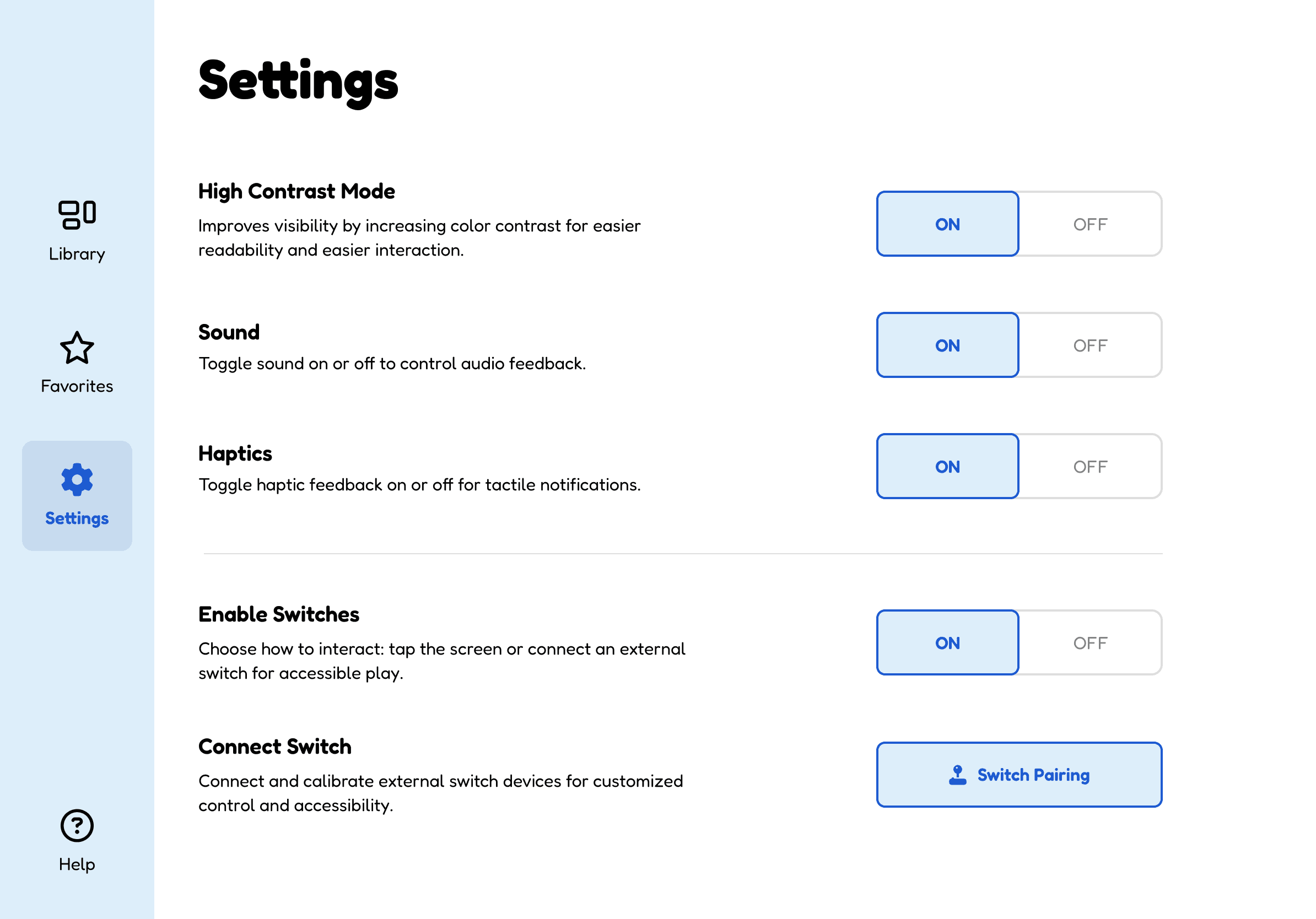
Settings
Settings sit behind Guided Access: the adult configures, the child plays.
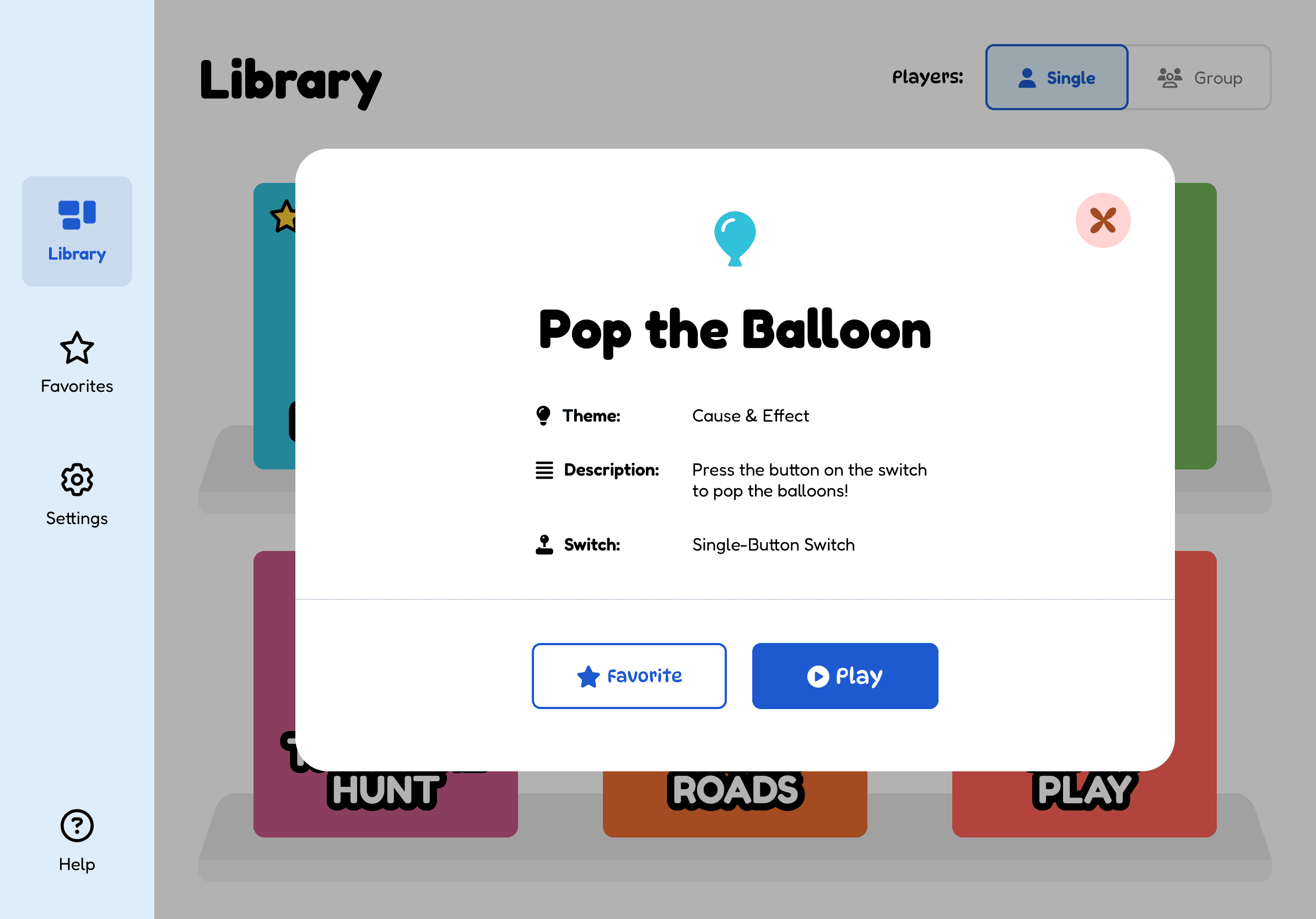
Game models
The games
Six games, one press
| Game | Theme |
|---|---|
| Pop the Balloon! | Cause & effect |
| Sorting Game | Classification |
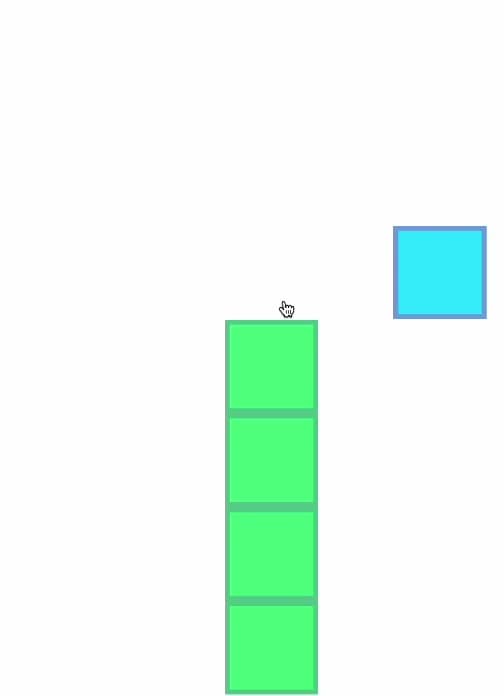
| Stacking Blocks | Timing |
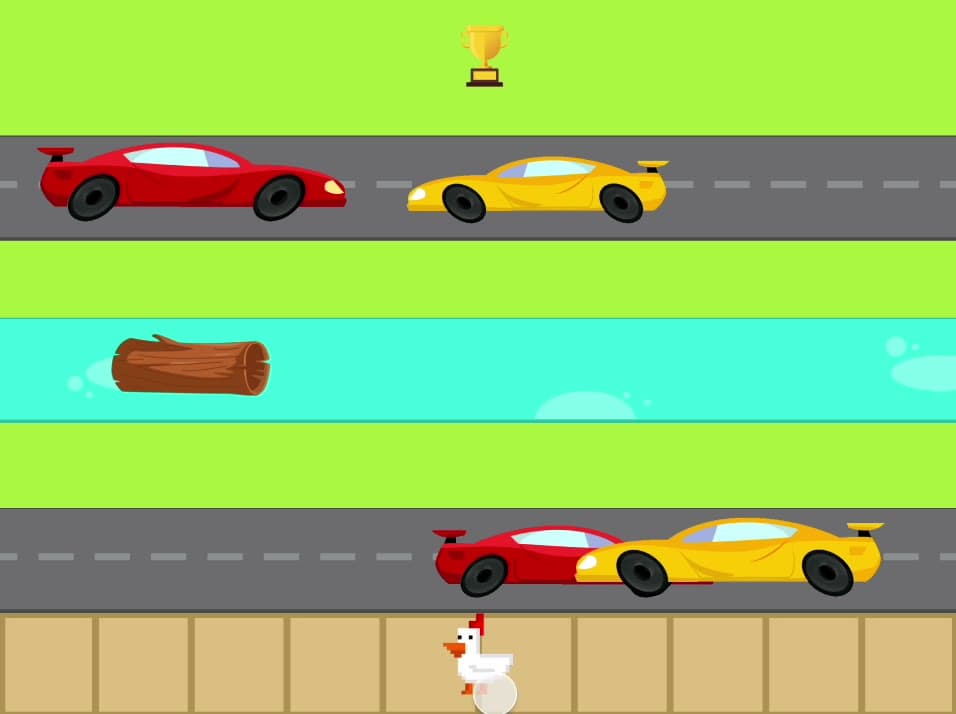
| Crossy Roads | Timing & motor planning |
| Treasure Hunt | Exploration |
| Music Play | Creativity |
Every game runs on one press. The complexity is in what the press does, never in what the child has to do.

Build
Runs on what the classroom already has
React Native (Expo). Wired, Bluetooth, and touchscreen switches. Runs on hardware the classroom already owns, which is the point: no purchase required.
Expert testing
Two reviews, two blind spots covered
Mobility tech researcher
Market context: high contrast, accessible text, an appealing and accessible UI, press duration as a real setting rather than a buried one.
Occupational therapist
The children: keep games simple, make sound and corrective feedback immediate, hide settings behind Guided Access so a child can't wander out mid-play.
Result
Where it landed
Next: high-contrast mode, more games, multiplayer, difficulty levels, sorting the library by switch type, richer sound and haptics.